https://www.amazon.com/dp/B0CL9K7BZP
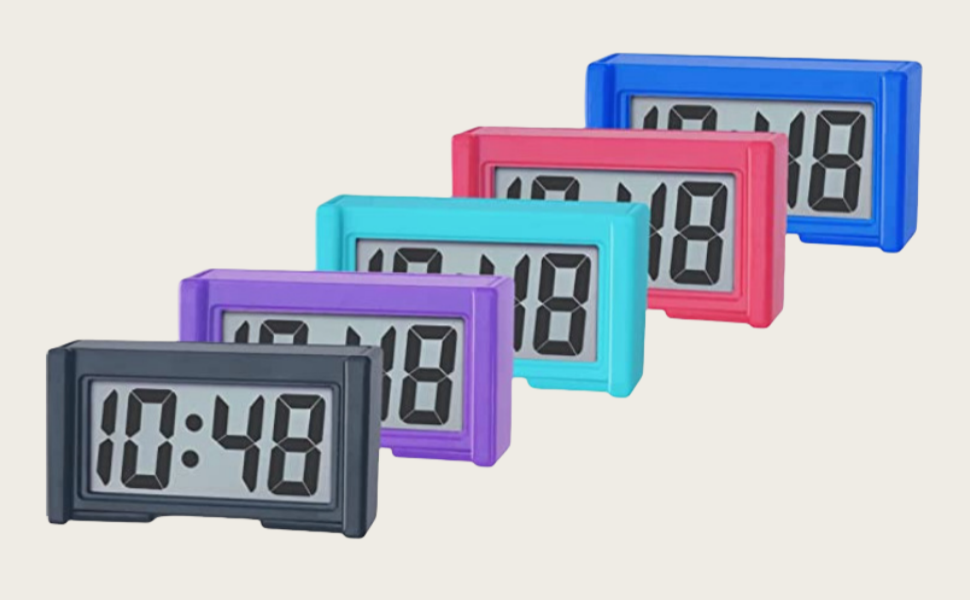
Shudyear Small Digital Clock, with Jumbo LCD Time & Day Display,Mini Automotive Small Digital Clock Battery Operated for Desktop Nightstand Pocket Car Truck Dashboard & Air Vent (1, Purple)
Shudyear Small Digital Clock, with Jumbo LCD Time & Day Display,Mini Automotive Small Digital Clock Battery Operated for Desktop Nightstand Pocket Car Truck Dashboard & Air Vent (1, Purple)
Couldn't load pickup availability
HOW TO ADJUST THE TIME


How to handle simple exceptions
Abnormal date and time flashing issue
1.Assuming that the top buttonon the back is 'A' and thebottombutton is 'B'
2.Press 'A' once to display the number of seconds
3.Press 'A' again to display as time
Time Setting:
1.Press DOWN until it displays 'Hour & Minute'.
2.Press DOWN twice to show the month, then press UP to set.Press DOWN once to show day, then press UP to set.
3.Press DOWN when the clock displays “A/P”, then press UP to set hour.Press DOWN once to show minute, press UP to set, then press DOWN to finish this step.


If you want to set the specific parameter:
1.Please press DOWN serval times until it displays 'Hour & Minute'.
2.Set your desired parameter:
Month:Press down twice to show Month, then press up to set.
Day: Press down 3 times to show Day, then press up to set.
Hour: Press down 4 times to show Hour, then press up to set.
Minute: Press down 5 times to show Minute, then press up to set.
3. You can restart the process by pressing down until it displays hour and minute.